Sharing Your Timeline With Every Vendor Simply
Here’s the least glamorous thing that saves a wedding day: when you share your timeline with every vendor, in one document, from one person, everybody stops guessing. No group text at 3 p.m. asking where the photographer is. No caterer plating dinner while you’re doing your first dance. It takes about 40 minutes to set up and it’s the highest-return task in wedding planning. So let’s build the system — what goes in the document, who gets it, when to send it, and how to handle the inevitable changes.
In this article
Why one shared document beats ten emails
Most couples do this the hard way without meaning to. They tell the photographer the ceremony starts at 4:30 in one email. Then the venue pushes it to 4:45. The caterer hears about it, the florist doesn’t, and the DJ never gets told at all.
Nobody did anything wrong. The information just lived in six inboxes instead of one place. That’s the entire problem, and one shared document solves it completely.
When you share your timeline as a single living file, every vendor is reading the same version. If something changes, you change one line and everyone sees it. That’s it. That’s the whole system, and it’s dramatically better than the alternative.
The bonus nobody mentions: it also protects you. On the wedding day, you should be getting your hair done and hugging people. You should not be the switchboard.
What actually goes in the timeline
Keep it to what vendors need to do their jobs. Everything else is noise.
Times and events. Vendor arrival, hair and makeup start, first look, ceremony, cocktail hour, grand entrance, dinner service, toasts, first dance, parent dances, cake, open dancing, last dance, and load-out. Real clock times, not “afternoon.”
Locations. Where each thing happens, because half the day often moves between rooms. Include the address if the ceremony and reception are in different places.
Contacts. Every vendor’s name, company, and cell number in one list at the top. This single block prevents more problems than the whole rest of the document.
Point people. Who to call about a problem. Ideally your coordinator or a specific family member — never you.
Names and pronunciations. Wedding party names in walk-in order, plus phonetic spelling for anything tricky. Your DJ is announcing these on a microphone to 140 people, so this matters more than it sounds.
Buffer time. Add ten minutes between big blocks. Photos always run long, dinner service always starts a few minutes late, and a schedule with no slack turns tiny delays into a cascade. Buffers are the cheapest insurance in the whole document.
Skip the personal notes. Vendors don’t need to know your color palette or your seating drama. Short documents get read; long ones get skimmed.
The simplest format that works
Use a Google Doc. That’s my honest recommendation after hundreds of weddings.
Not a PDF, because PDFs freeze the moment you send them and people end up working from an old copy. Not a spreadsheet, because half your vendors will open it on a phone at 7 a.m. and hate you a little. Not a planning app that requires everyone to create an account — they won’t.
A Google Doc set to “anyone with the link can view” is readable on any phone, always current, and takes zero setup from the person receiving it. Put the date and venue in the file name so it’s findable: “Reyes Wedding — Sept 20 — War Memorial.”
Format it as a simple two-column list: time on the left, what’s happening on the right. One line per item. Bold the big moments. That’s the whole design. Fancy templates look nice on a laptop and become unreadable on the phone your florist is holding in a parking lot.
One more tip: add “Last updated: [date]” at the very top. It’s five words, and it tells everyone instantly whether they’re looking at current information.
One document, one version, one sender. Every wedding-day mix-up I’ve seen came from breaking one of those three rules.
Who gets it (and who sends it)
Everyone working the day gets the full timeline. Photographer, videographer, DJ, caterer, venue coordinator, florist, hair and makeup, transportation, officiant, and your planner. Yes, even the florist — they need to know when photos start so the room is finished before the camera walks in.
The sender matters just as much. Pick one person to be the source: your coordinator if you have one, otherwise one of you, or a very organized family member. Never both partners, because then vendors get two versions and pick whichever arrived last.
Tell every vendor who that person is, in writing. “For anything on the day, contact Jamie at [number].” Vendors love this. It means they never have to decide whether interrupting the bride is worth it.
Here’s what a lot of couples miss: your vendors are already good at this. Most of us have worked hundreds of weddings and we coordinate with each other constantly on the day. What we can’t do is guess. Give us the document and we’ll handle the rest, which is exactly the point — and it’s why my wedding DJ planning process starts with the timeline instead of the song list.
Key takeaway: Build one Google Doc with times, locations, contacts, and names. Set one person as the sender. Share it at four weeks, update it at two weeks, and confirm it three days out. That’s the whole system — and it prevents almost every wedding-day scheduling problem.
When to send, and how many times
Three sends. That’s the sweet spot — enough to keep everyone current without becoming the person who emails too much.
Four weeks out: the first draft. Send it with a short note asking each vendor to check their own arrival time and flag anything that looks tight. This is where problems surface while they’re still easy to fix. Your caterer might say dinner needs 20 more minutes. Better to hear that now than at 6:40 p.m.
Two weeks out: the updated version. Same link, revised content. Note what changed at the top so nobody has to hunt for it. This version should be close to final.
Three days out: the confirmation. A short message: “Timeline is final, link is the same, see you Saturday.” No new document. Just a nudge that closes the loop.
Resist the urge to send five more. Every extra email raises the odds someone works from the wrong one. Planning pros at Zola’s expert advice hub recommend the same restraint, and it’s the difference between vendors reading your emails and filing them.
Handling changes without chaos
Things will change. The ceremony shifts 15 minutes. A shuttle gets rescheduled. Weather moves the cocktail hour indoors. None of that is a crisis if you have a system.
Edit the document first, always. Then send one short message: “Ceremony moved to 4:45, timeline updated.” Two sentences. Everyone who needs the detail can open the link.
Never change something in a text to one vendor and assume it spreads. That’s how the photographer ends up shooting portraits while the DJ is announcing the grand entrance to an empty room. I’ve seen it, and it’s always a communication gap, never a bad vendor.
For last-minute weather calls, decide the decision-maker in advance. Write it right in the document: “Rain call made by Jamie by 1 p.m.” Vendors will build their morning around that deadline, and nobody spends the day asking.
What good coordination looks like on the day
Let me tell you what a well-run day feels like from behind the booth, because it’s genuinely different.
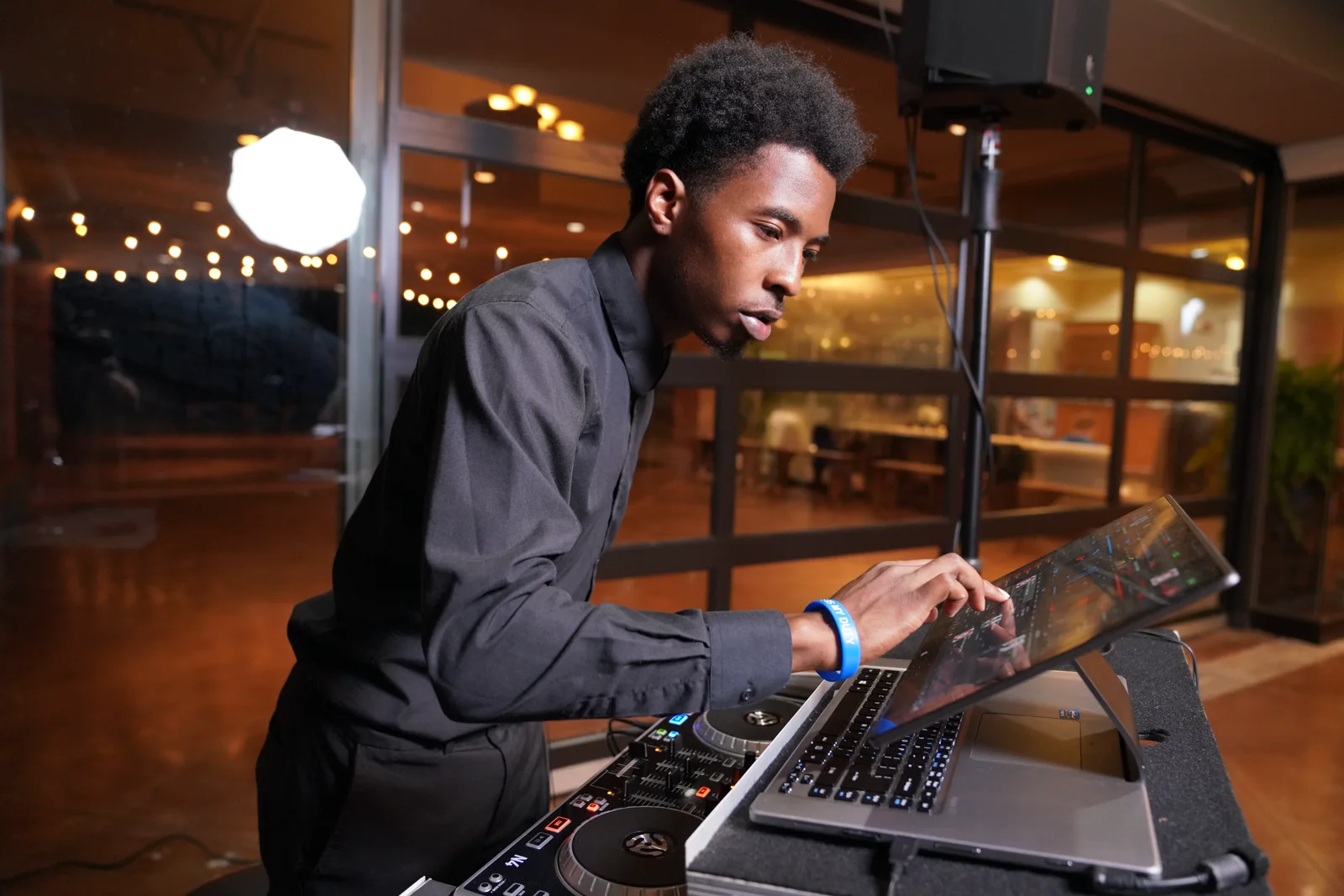
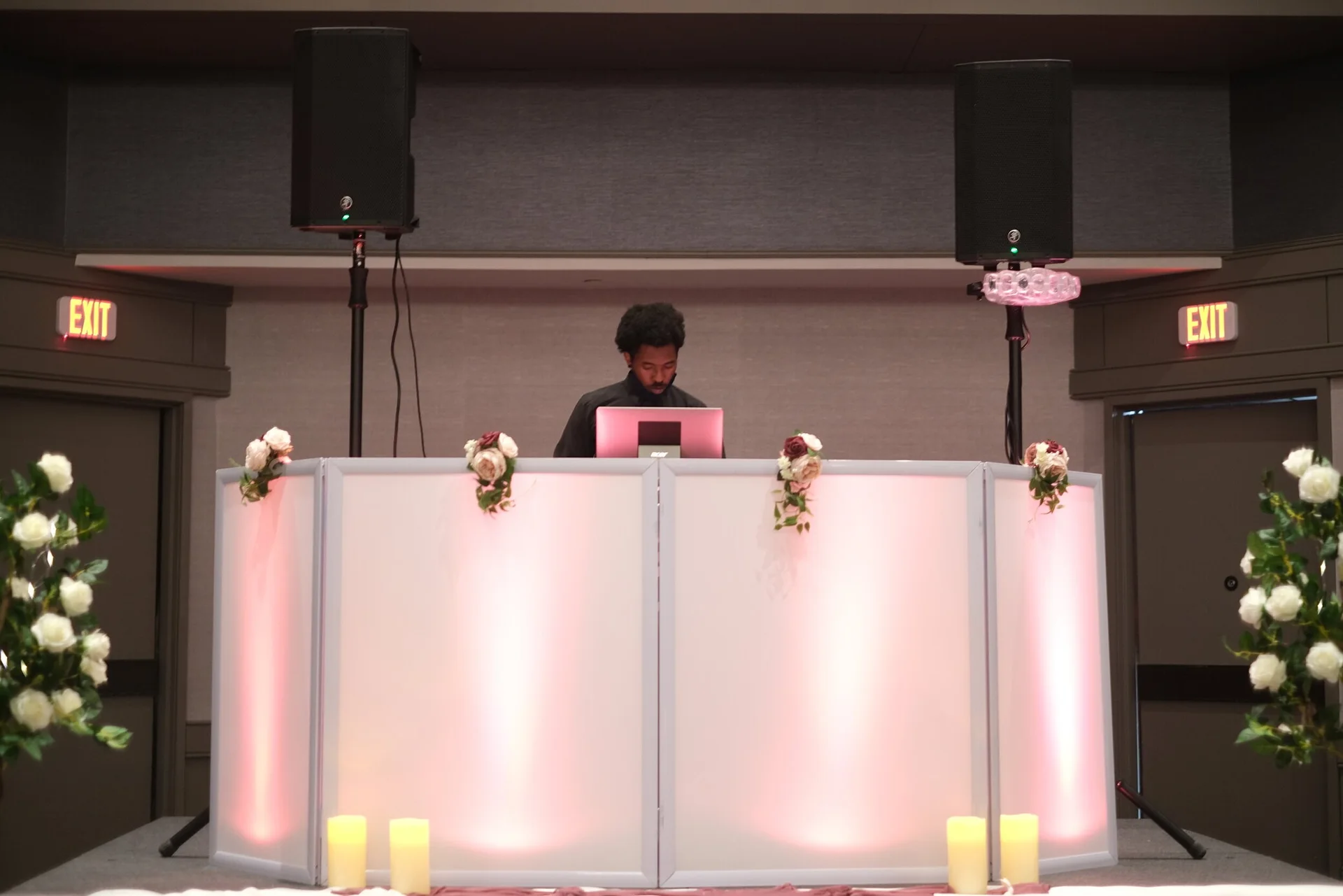
I arrive at the time on the document. The venue knows I’m coming and where I’m setting up. The photographer and I trade a nod during cocktail hour and confirm the entrance order. When dinner is 10 minutes from plating, the caterer tells me directly — because they know I’m the one calling the toasts. Nobody asks the couple anything. Not once.
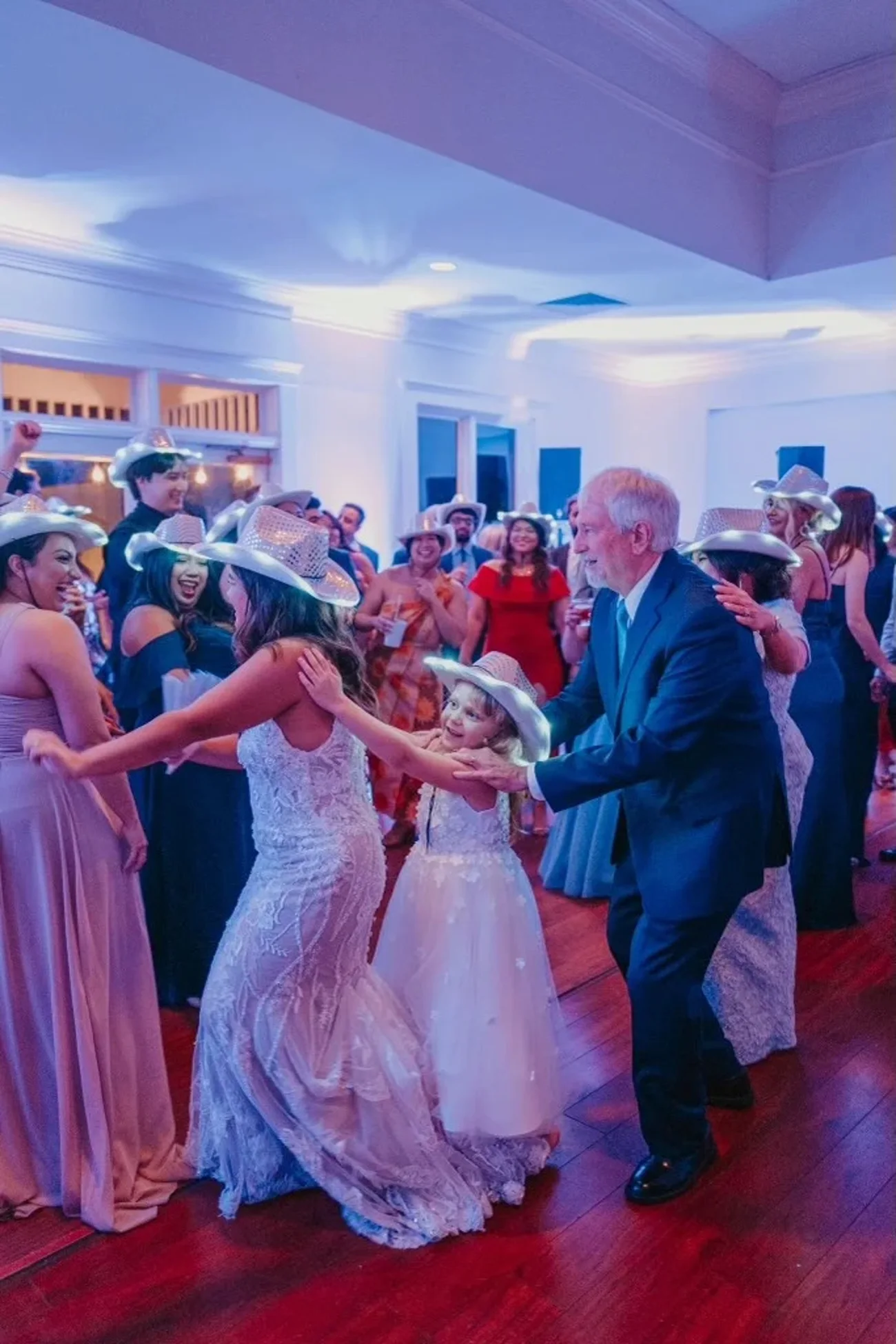
Then the little moments land right. The first dance starts while the light is still good, so the photos are gorgeous. The toasts happen when everyone’s seated with a full glass. The floor opens the second the energy peaks. All of that comes from one document written a month earlier.
Around Grosse Pointe, plenty of receptions run in venues with a strict end time — the kind of room along Lake Shore where the last dance really is the last dance. A shared timeline is what makes those nights feel unhurried instead of rushed, because everyone paced the evening the same way. Even the National Weather Service’s Detroit-area forecast office is worth a bookmark for outdoor ceremonies, so your rain call is based on data instead of a group text.
Build the doc. Send it three times. Name one person in charge. That’s honestly the whole thing. If you want more coordination help, browse the rest of our planning guides, see how a full day flows in the Detroit wedding guide, or say hi to Tevin and I’ll send you the exact timeline template I use with couples. It’s free, it’s short, and it works.