
Building a Reunion Slideshow With the Right Music
Photos tell a family’s story, but music is what makes people feel it. A great reunion slideshow pairs the right images with the right songs, and suddenly the whole room is laughing, tearing up, and reaching for the person next to them. Get that match wrong — a random playlist under decades of memories — and even beautiful photos fall flat. So the secret isn’t fancy editing. It’s choosing music that fits the moment. Here’s how to build a reunion slideshow that actually moves people at your Troy family gathering.
In this article
Why the music matters most
Here’s the thing people underestimate: a slideshow without music is just a photo album on a wall. The song is what turns a picture of Grandpa’s old truck into a lump in your throat. Music carries the emotion the photos can only hint at.
That’s why the soundtrack is the real heart of any reunion slideshow. The right song tells your family how to feel — when to smile, when to get misty, when to cheer. Pick a track that matches the era and the mood, and the photos land ten times harder. Pick a random pop tune, and even your best pictures feel like a screensaver.
So before you touch a single photo, think about the feeling you want. Warm and nostalgic? Proud and celebratory? A little bittersweet for the ones no longer here? Nail that feeling first, and every other choice gets easier.
Choosing songs that fit the photos
Now for the fun part: matching music to memories. My favorite trick is to let the era of the photos guide the songs. Old black-and-white shots from the 60s? Pull the hits your grandparents danced to. A section on the kids growing up in the 90s? Grab a song from that decade. When the music matches the moment on screen, the connection clicks instantly.
Keep the lyrics friendly, too. A song about family, home, or good times beats one about heartbreak under a reunion photo. And watch the tempo — slower, warmer songs fit reflective sections, while an upbeat classic lifts the celebration parts. For song ideas by mood, The Knot’s slideshow song list is a great place to start browsing.
One more tip: don’t cram in ten songs. Two or three well-chosen tracks across a five-minute show feel intentional. Too many song changes and the whole thing feels choppy. Fewer, better songs win.
See the pattern? You’re not just picking songs you like — you’re picking songs that fit the pictures. That match is what separates a slideshow people watch from one they’ll talk about for years.
Ordering photos to tell a story
A slideshow isn’t a random pile of pictures — it’s a story. And the easiest story to tell is time. Start with the oldest photos and move forward, so the family literally watches itself grow across the decades. That simple arc gives the whole thing a shape people can follow.
Group the photos into small chapters as you go. The early years, the family growing, the big reunions of the past, and now. Each chapter can carry its own song, which makes the music changes feel natural instead of jarring. When the era shifts on screen, the sound shifts with it.
Don’t forget the crowd shots and the goofy ones. A reunion slideshow shouldn’t be all posed portraits. Toss in the blurry candid of Uncle Ray mid-laugh, the kids covered in cake, the group photo where nobody’s looking at the camera. Those are the ones that get the biggest reaction every single time.
A reunion slideshow isn’t about perfect photos or fancy transitions — it’s about the moment a song and a picture line up and the whole room goes quiet, then reaches for each other.
Pacing images to the beat
Here’s what a lot of folks miss: how long each photo stays on screen matters as much as the photo itself. Flip too fast and people can’t take it in. Linger too long and the energy sags. The sweet spot is usually around four to six seconds per image — enough to see it, not so long you get antsy.
Even better, match the photo changes to the music. Let images shift on the beat, or hold a special photo through a big moment in the song. When the picture and the music move together, the whole thing feels crafted instead of thrown together. That’s a small touch with a big payoff.
Also, plan your timing to the song length. If your music runs five minutes and you’ve got sixty photos, that’s about five seconds each — do that math early so you’re not scrambling to cut photos or stretch a song at the last minute.
Key takeaway: A reunion slideshow works when the music leads. Match songs to each photo era, order pictures oldest to newest in small chapters, hold each image four to six seconds, and let photo changes fall on the beat. Two or three well-chosen songs beat a crowded playlist every time.
Handling the tribute moments
Most reunion slideshows include a tender part — a tribute to loved ones who’ve passed. This section deserves extra care, because it’s the one that hits hardest. Handled well, it’s a beautiful few minutes. Handled clumsily, it can feel abrupt.
Give the tribute its own gentle song, something warm rather than sad. Keep it short and honest — a handful of photos, not a long montage. And place it thoughtfully in the flow: often it works best near the end, followed by a lift back to something joyful so the room doesn’t end on a heavy note. You want people to feel the love, then feel the celebration.
This is exactly where a live host earns their spot. A calm voice can set up the tribute in a sentence and ease everyone back afterward. It’s the kind of careful pacing I bring to reunions and milestone celebrations so these moments feel held, not rushed.
Playing it live at the reunion
Building the slideshow is half the job. Playing it well at the reunion is the other half — and it’s where things often go sideways. A laptop that won’t connect, sound that’s too quiet, a room that’s too bright to see the screen. All fixable, all worth planning for.
Test everything before guests arrive. Check that the audio fills the room clearly, the screen is visible from every seat, and someone’s ready to dim the lights right as it starts. Then pick the moment: after dinner, when everyone’s seated and full, is usually gold. That’s when people are settled and ready to feel something together.
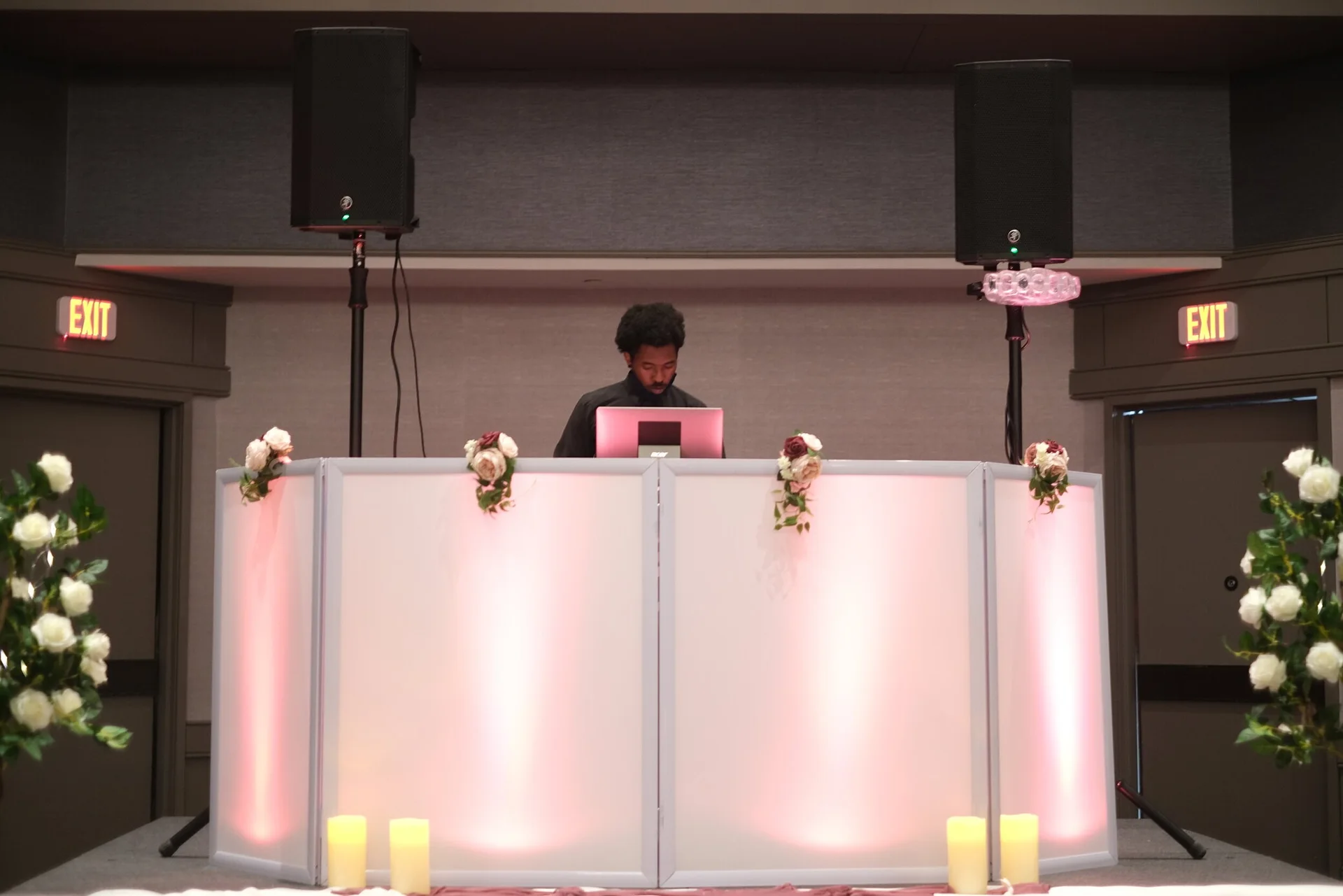
A DJ handles all of this without you thinking about it — clean sound, the right volume, a smooth start and a soft landing back into the party. When I run a reunion, I cue the slideshow so it flows right out of dinner and back into music. Emotional music research even backs this up: familiar songs trigger strong memories, which is why song-picking guides lean so hard on tracks people already know. For more ideas on planning a memorable event, browse more celebration tips anytime.

Planning your Troy reunion
So how do you pull it together? Start by gathering photos early — family always takes longer than you’d think to dig up the good ones. Pick your feeling, choose two or three songs that fit, order the images oldest to newest, and time the whole thing to the music. Then test it live before the day.
Whether your reunion fills a hall near the Troy Community Center, a backyard off Big Beaver Road, or a park pavilion by Rochester Road, the same recipe holds: let the music lead, tell the story in order, and give the tribute room to breathe. Do that and you’ll have a slideshow the whole family remembers.
Want a hand making the sound and timing flawless? That’s my favorite part of a reunion. Feel free to meet your DJ or take a look at my Troy event guide to see how I pair music and moments so your family slideshow lands just right.